As an Amazon Associate I earn from qualifying purchases. This post may contain affiliate links. If you buy through them, we may earn a small commission at no extra cost to you.
Modern laptops are powerful, but they often come with a frustrating limitation. Ports. One or two USB ports just does not cut it when you are running external drives, audio gear, monitors, keyboards, and all the other gadgets that slowly take over your desk.
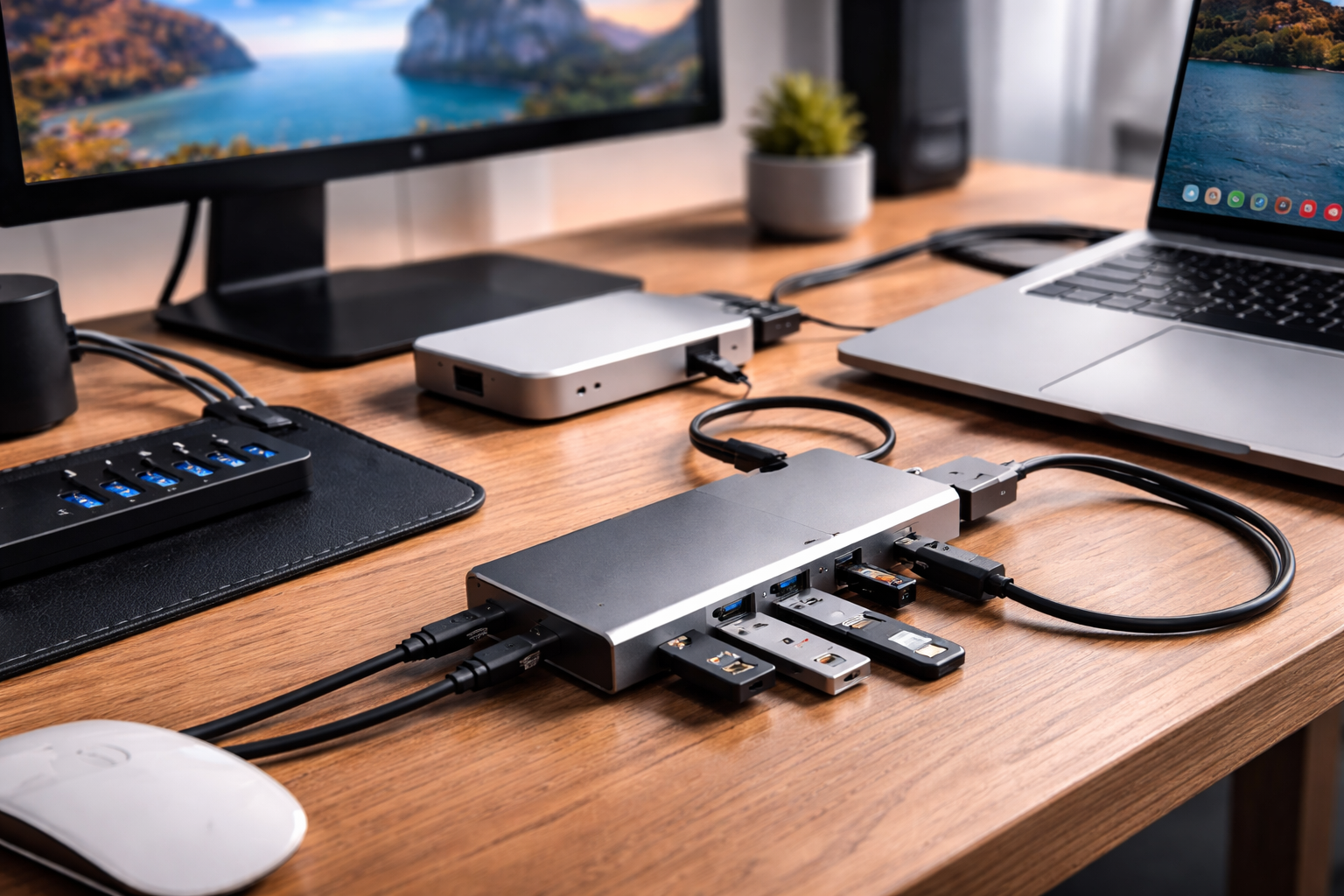
A good USB hub can completely transform a workstation. Whether you are building a home office setup, a music production desk, or just trying to plug everything into your laptop without crawling behind the desk every five minutes, the best USB hubs make things dramatically easier.
Over the years I have used quite a few while editing video, producing music, and setting up small home studios in shared houses. Some were amazinnngg and some were absolute cable nightmares. The right hub really is a GAME CHANGER for keeping things organised.
If you are looking for the best USB hub for home, the best USB hub for beginners, or even the best budget USB hub for a laptop workstation, this guide will help you find a reliable option.
Our Top Picks

Best Overall
Anker 10 Port USB 3.0 Hub
A reliable hub with plenty of ports and solid build quality that works great for larger laptop workstations.
Check price on Amazon.
Best Budget Pick
Sabrent 4 Port USB 3.0 Hub
A simple and affordable option that adds extra USB ports without taking up much desk space.
Check price on Amazon.
Best Premium Option
CalDigit TS4 Thunderbolt Dock
A powerful dock that can run multiple devices, displays, and high speed storage from one connection.
Check price on Amazon.
Best for Beginners
UGREEN USB C Hub 6 in 1
A compact plug and play hub that adds useful ports without complicated setup.
Check price on Amazon.
How We Chose These Picks
Choosing the best USB hubs was based on a mix of practical experience and real user feedback.
First was reliability and build quality. USB hubs get used constantly, so a solid cable and stable connection are essential.
Next was ease of use. The best hubs should simply plug in and work without complicated drivers or setup.
We also looked closely at user reviews and feedback. Hubs with consistent performance and strong ratings stood out.
Value for money was another factor. Some people need a simple hub for a keyboard and mouse, while others are running external drives, cameras, and audio interfaces.
From building multiple workstations over the years, the biggest lesson is simple. A reliable USB hub keeps your desk tidy and your workflow smooth.
Comparison Table
If you’re short on time, here’s the quick breakdown.
| Product Name | Best For | Type | Price (£,££,£££) |
|---|---|---|---|
| Anker 10 Port USB 3.0 Hub | Multi device workstations | Powered USB hub | ££ |
| Sabrent 4 Port USB 3.0 Hub | Simple setups | Compact USB hub | £ |
| CalDigit TS4 Thunderbolt Dock | Professional setups | Thunderbolt docking station | £££ |
| UGREEN USB C Hub 6 in 1 | Laptop expansion | USB C hub | £ |
| Hiearcool USB C Hub | Travel setups | Portable hub | £ |
| Anker 7 in 1 USB C Hub | MacBook users | USB C adapter | ££ |
| UGREEN USB 3.0 Hub 4 Port | Budget expansion | Basic USB hub | £ |
| Belkin USB C 6 in 1 Hub | Home office setups | Multiport hub | ££ |
| TP Link UH720 USB Hub | Reliable expansion | Powered USB hub | ££ |
| Baseus 9 in 1 USB C Hub | All in one laptop hub | Multiport dock | ££ |
US Amazon Picks
Anker 10 Port USB 3.0 Hub
A great option for larger desk setups where multiple devices need constant power and connection. Ideal for connecting external drives, keyboards, and audio gear without unplugging things constantly.
Check price on Amazon.
Sabrent 4 Port USB 3.0 Hub
A compact and affordable hub that adds four USB ports instantly. Best for simple laptop setups where you just need extra ports for a mouse, keyboard, or USB drive.
Check price on Amazon.
CalDigit TS4 Thunderbolt Dock
A high performance dock designed for serious workstation setups. Perfect for running monitors, storage drives, and multiple accessories from a single Thunderbolt connection.
Check price on Amazon.
UGREEN USB C Hub 6 in 1
A small but practical hub that adds USB ports, HDMI, and card readers to modern laptops. Great for everyday laptop users who want simple expansion without bulky equipment.
Check price on Amazon.
Hiearcool USB C Hub
A lightweight travel friendly hub that adds essential ports for laptops with limited connectivity. Best for remote workers or students moving between desks and workspaces.
Check price on Amazon.
UK Amazon Picks
Anker 7 in 1 USB C Hub
A reliable multiport hub designed for modern laptops including MacBooks. Perfect for adding HDMI, USB ports, and SD card slots in one tidy device.
Check price on Amazon.
UGREEN USB 3.0 Hub 4 Port
A simple and reliable hub that expands one USB port into four. Best for everyday use with keyboards, printers, and flash drives.
Check price on Amazon.
Belkin USB C 6 in 1 Hub
A well built hub that combines USB ports, HDMI, and card readers in a sleek design. Ideal for home office setups needing multiple connections.
Check price on Amazon.
TP Link UH720 USB Hub
A powered hub that delivers stable connections for several devices at once. Great for external drives and accessories that need reliable power.
Check price on Amazon.
Baseus 9 in 1 USB C Hub
A versatile hub that offers multiple ports including HDMI, USB, and Ethernet. Best for users who want an all in one expansion solution for their laptop workstation.
Check price on Amazon.

Things to Keep in Mind Before Buying
Size or Portability
If you move between desks or travel often, a small lightweight hub is ideal. Larger powered hubs are better suited for permanent workstation setups.
Performance or Power
Powered USB hubs deliver more stable performance for multiple devices, especially external drives and audio equipment.
Ease of Use
Most hubs are plug and play. Simpler hubs tend to work instantly without drivers or extra configuration.
Maintenance and Durability
Look for hubs with solid cables and durable housing. Cheap plastic hubs sometimes fail after heavy daily use.
Energy Efficiency
Powered hubs draw extra power but provide better performance when running several devices simultaneously.
Long Term Value
Spending slightly more on a well built hub can save frustration later, especially if you plan to expand your setup.
Choosing the Right Type

If you want convenience
A compact USB hub with four ports is perfect for simple setups and everyday laptop use.
If you want performance
Thunderbolt docks or powered USB hubs handle high speed devices and multiple connections better.
If you want a budget option
Basic USB hubs are inexpensive and ideal for keyboards, mice, and flash drives.
If you want a premium experience
Thunderbolt docking stations offer incredible expansion including displays, Ethernet, and high speed storage.
Real Value Over Time
Cheap hubs can work fine at first, but reliability becomes important when you rely on them daily.
If you are running external drives or creative equipment, investing in a higher quality hub can make your setup much more stable over time.
Okay okay okay I know I said budget hubs can work, and they absolutely can. But when a hub fails mid video edit or while transferring files, it is incredibly frustrating.
Setup Ideas and Inspiration
USB hubs are a simple upgrade that can dramatically improve desk organisation.
They are commonly used in minimal setups where cable management matters. A single hub can keep keyboards, drives, and accessories routed neatly from one connection.
They are also great for home office setups where laptops connect to multiple accessories like monitors, speakers, and webcams.
In smaller shared spaces, hubs allow you to quickly connect and disconnect a full workstation setup without rearranging cables.
If you enjoy building clean desk setups or experimenting with workspace inspiration ideas, a good USB hub makes everything feel more organised.
Frequently Asked Questions
What is the best USB hub for home use
Most people will do well with a simple USB C hub with four to six ports. These provide enough connections for keyboards, drives, and accessories without taking up much desk space.
Are expensive USB hubs worth it
Premium hubs and Thunderbolt docks are worth it if you run multiple displays, storage drives, or professional equipment.
How long do USB hubs last
A good quality hub can easily last several years with normal use. Durable cables and solid connectors tend to last the longest.
What should beginners choose
Beginners should look for a simple plug and play USB hub with at least four ports. This covers most everyday needs.
What features actually matter
Reliable connection, enough ports for your devices, and strong build quality are the most important factors.
Final Verdict
The right USB hub depends on how complex your workstation is.
For most people, the Anker 10 Port USB Hub is the best overall option thanks to its reliability and multiple ports.
If you want a simple and affordable solution, the Sabrent 4 Port USB Hub is a great budget choice.
For serious workstation setups, the CalDigit TS4 Thunderbolt Dock offers incredible connectivity and performance.
A good USB hub might seem like a small upgrade, but once you start using one, it becomes one of those incredddible little tools that makes your whole desk setup feel smoother.
The Electronic Guide is supported by its readers and participates in affiliate marketing programs, including Amazon Associates. We may earn commissions from qualifying purchases made through links on this site, at no additional cost to you.
Some images featured on The Electronic Guide are digitally generated concept designs created for inspirational purposes. These visuals may not represent physical products or real life spaces exactly as shown.
All content is provided for informational and inspirational purposes only. While we strive for accuracy, we make no guarantees regarding product availability, pricing, specifications, or suitability. Please verify all product details directly with the retailer before purchasing.
Leave a Reply